

Table of Contents
- Why Local Businesses Need a SocialBee Alternative
- Top SocialBee Alternatives for Local Businesses Compared
- Social Media Tools for Local Businesses: What Actually Matters
- Google Business Profile Management Tools Compared
- Local Business Social Media Scheduling: Ease of Use Breakdown
- Social Media Automation for Local Businesses: What Hands-Off Really Means
- Which SocialBee Alternative Fits Your Business?
- Conclusion
- Frequently Asked Questions
Last Updated: October 21, 2026
Why Local Businesses Need a SocialBee Alternative
SocialBee is a capable social media scheduler, but it was built for marketers juggling many brands, not for a plumber who needs three posts a week and a Google Business Profile that actually ranks. That mismatch is why so many local owners go looking for a SocialBee alternative. At Local Visibility Engine, we've spent more than 20 years helping brick-and-mortar owners enhance their digital footprint.
The pattern repeats. You sign up, connect Facebook and Instagram, schedule a month of posts, then miss a week. The queue empties. Your Google Business Profile sits untouched for six weeks. Meanwhile the shop two streets over posts daily and shows up first on Maps.
Here's the thing most reviews miss: scheduling is the easy part. The hard part is knowing what to post, where to post it, and keeping your Google Business Profile current. A good socialbee alternative for local businesses should close that gap, not just move posts from one calendar to another.

Top SocialBee Alternatives for Local Businesses Compared
Below are the options we'd actually put in front of a local owner, ranked by how well each handles the realities of a single-location or small-chain business.
| Tool | Best For | Free Plan | Starting Price | Local Profile Support |
|---|---|---|---|---|
| Local Visibility Engine | Hands-off local visibility | Yes | See pricing page | Google Business Profile, social, website |
| OneUp | Review replies plus scheduling | Not stated | Not stated | Google Business Profile review replies |
| Metricool | Analytics on a budget | Not stated | Not stated | Analytics focus |
| Buffer | Simple post scheduling | Not stated | Not stated | Social scheduling only |
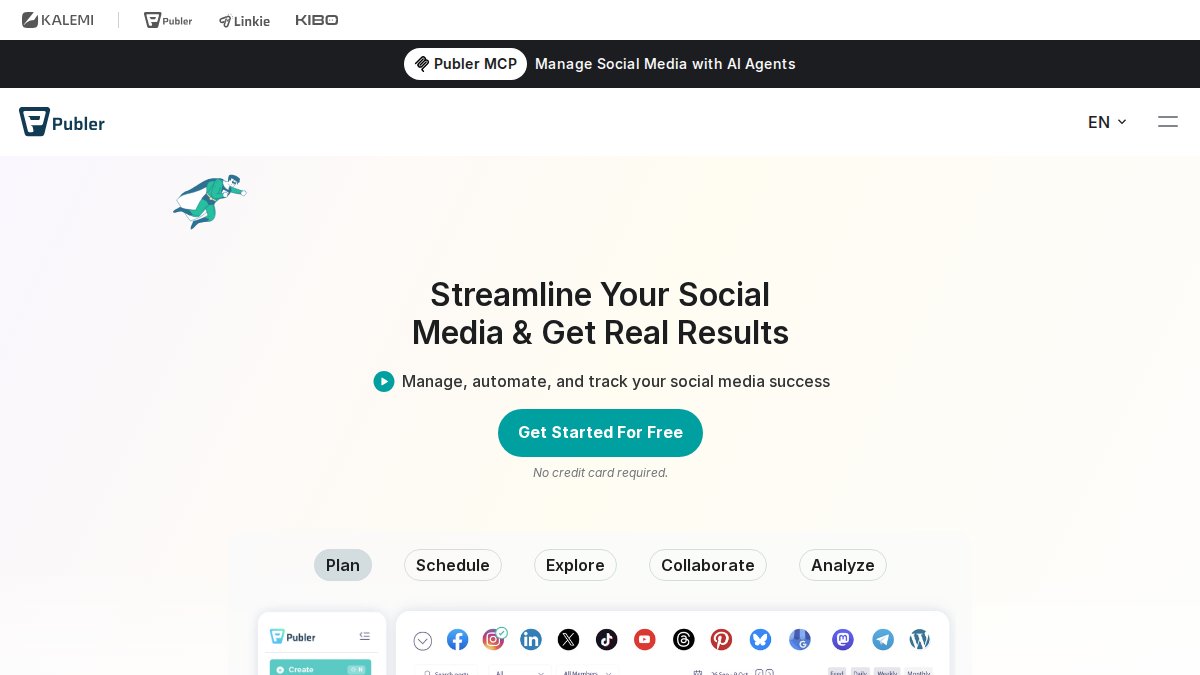
| Publer | Free entry point | Yes | $12/month | Social management |
Local Visibility Engine
Our pick for most local owners, and the one we built. Local Visibility Engine is an AI-powered service that handles content optimization, geotagging, and automated posting across your Google Business Profile, social media, and website. You don't learn a calendar interface. You don't write captions. Weekly updates go out while you run the business.
The features that matter here: automated posting to Google Business Profile, AI-driven geotagging so content carries local signals, and a hands-off workflow that requires no technical skill. We limit client intake deliberately, which means you get attention rather than a ticket queue.
The honest limitation: if you genuinely enjoy writing your own posts and want granular control over every caption, this is more automation than you need. It's built for owners who want the presence without the work.
OneUp
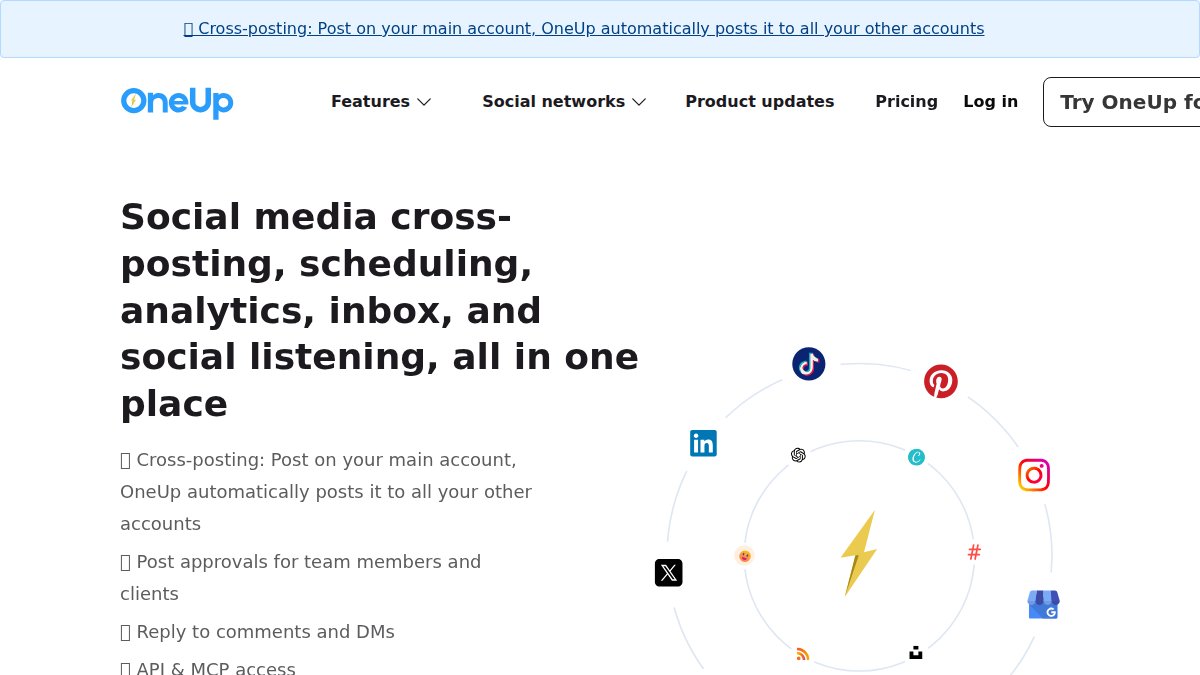
OneUp earns a place on this list for one specific reason: it handles Google Business Profile review replies alongside a social inbox and DM automation. For a local business where reviews drive walk-ins, that combination is genuinely useful. It also supports Snapchat and Bluesky, which most schedulers still ignore.
Where it falls short is depth on the local side. Review replies are a feature, not the core of the product. If your main problem is "I never post and my profile is stale," OneUp still asks you to build and fill the calendar yourself.
Metricool
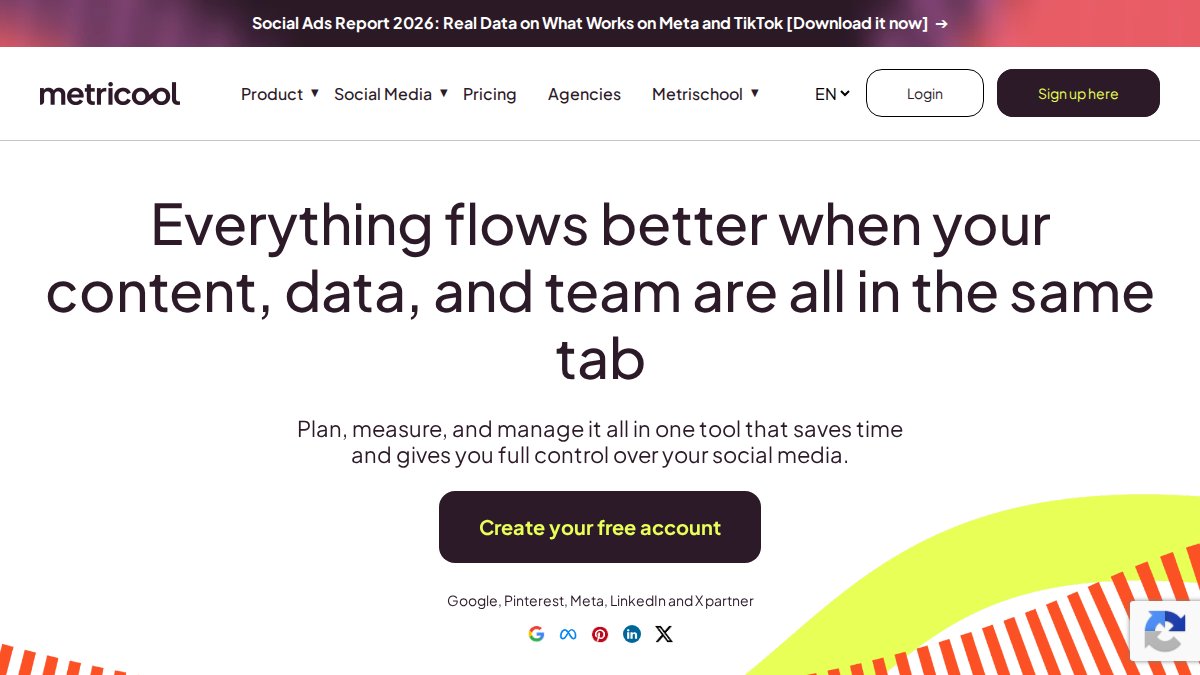
Metricool positions itself around analytics on a small budget, and that's a fair summary. If you want to understand which posts actually drive profile visits and engagement, its reporting is the draw. For an owner who likes looking at numbers and adjusting, that's real value.
The trade-off is that analytics tell you what happened, not what to do next. You still own the posting, the captions, and the profile updates. Small teams that already have someone handling content will get more from it than a solo owner who doesn't.
Buffer
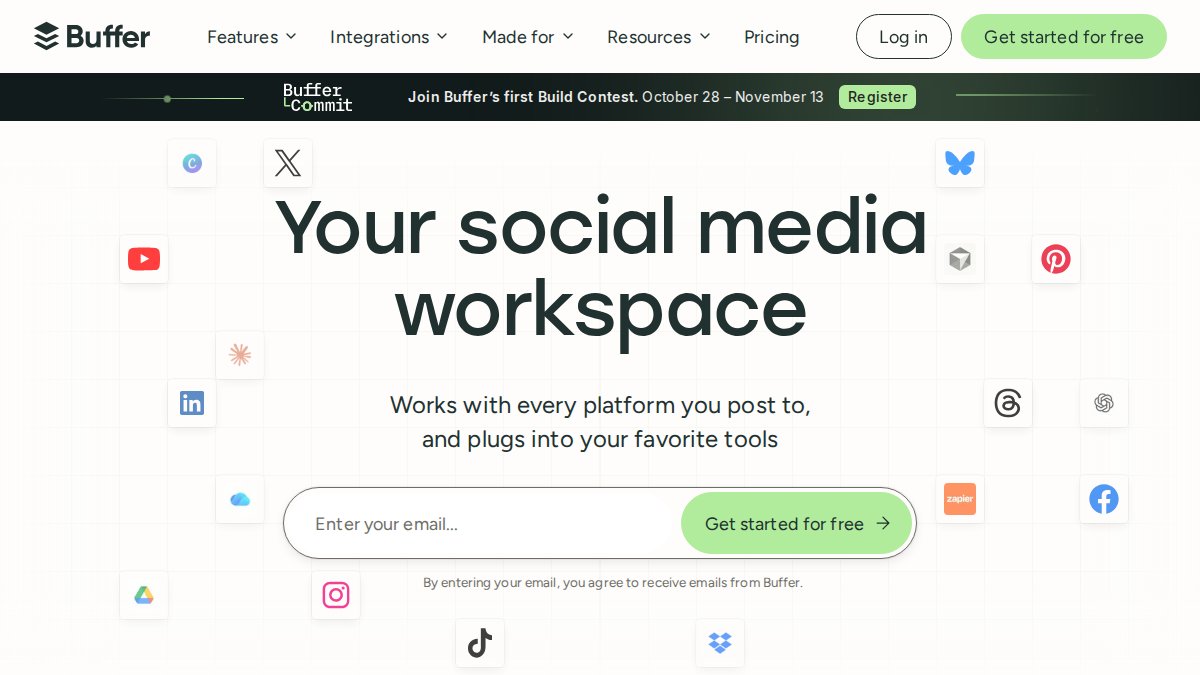
Buffer is the simplest option here. It schedules posts and stays out of the way. If your entire need is "put this on Facebook and Instagram at 9am," Buffer does that without a learning curve, and it's known for being inexpensive.
What it doesn't do is manage your Google Business Profile or optimize content for local search. A common mistake is assuming a scheduler covers local visibility. It doesn't. Buffer is a posting tool, and a good one, but local rankings come from profile activity and location signals it won't handle.
Publer
Publer is worth a look because it offers a free plan. For a business testing whether scheduled posting helps at all, that's a low-risk way to find out.
The supplied information doesn't detail its platform integrations or plan limits, so treat it as a starting point rather than a final answer. Verify what's included before you commit.
Social Media Tools for Local Businesses: What Actually Matters
Most comparison articles rank tools on features that don't move the needle for a local shop. Follower growth charts, hashtag libraries, approval workflows for teams of twelve. None of that puts a customer in your chair.
What matters is narrower. Does the tool keep your Google Business Profile active, because that's where local searches land. Does it handle location signals so your content reads as local. And does it run without you, because the owner of a plumbing company isn't logging in on a Tuesday night.
CONTACT US FREE BUSINESS ANALYSIS →
Social media tools for local businesses should be judged on three things: profile coverage, automation depth, and how much of your week they consume. Everything else is decoration.
Google Business Profile Management Tools Compared
Google Business Profile management tools split into two camps: schedulers that add profile posting as a feature, and services that treat the profile as the main event. The distinction matters because your profile is usually the first thing a searcher sees.
OneUp includes review replies for the profile. Buffer and Metricool focus on social channels. Local Visibility Engine automates posting to the profile as part of a broader weekly content cycle, alongside geotagging that ties posts to your service area.
If your profile is already set up and you just need posts flowing to it, an add-on feature may be enough. If it's been gathering dust, a service built around it will do more.
Local Business Social Media Scheduling: Ease of Use Breakdown
Ease of use means different things depending on who's doing the work. For a solo owner, easy means "I don't touch it." For a small team with a part-time marketer, easy means "the interface doesn't fight me."
Buffer wins on interface simplicity. Publer's free plan lowers the barrier to trying. Metricool's dashboard rewards someone who reads reports. OneUp bundles more surfaces, which adds options and some complexity. Local Visibility Engine removes the interface question entirely by handling the work.
Pick based on who's actually logging in. If the answer is "nobody," that's your answer.
Social Media Automation for Local Businesses: What Hands-Off Really Means
Social media automation for local businesses usually means scheduled posts. That's the low bar. The higher bar is content that gets created, optimized, geotagged, and distributed without your input.
The difference shows up in month three. Scheduled posts require you to keep the queue full. Automated content cycles keep running. Ask any vendor what happens if you do nothing for 30 days. The answer tells you which one you're buying.
Which SocialBee Alternative Fits Your Business?
Match the tool to your actual constraint:
- No time at all, want visibility handled: Local Visibility Engine. Automated posting to Google Business Profile, social, and website with AI geotagging.
- Reviews are your weak spot: OneUp, for profile review replies.
- You like data and have someone to act on it: Metricool.
- Simple, cheap scheduling: Buffer.
- Testing on a free plan first: Publer.
The mistake is buying the most feature-rich tool and using 10% of it. Buy for the job you'll actually delegate.
Conclusion
The real challenge isn't finding another scheduler. It's keeping your local presence active when you're already stretched thin. Local Visibility Engine handles the technical work with AI-powered content optimization, automated posting across Google Business Profile and social channels, and a genuinely hands-off weekly cycle built on more than 20 years of experience. No technical skills required. Get started with Local Visibility Engine and get a free business analysis to see where your visibility stands.
Frequently Asked Questions
What is the best SocialBee alternative for a local business?
The best socialbee alternative depends on what your local business needs most. If Google Business Profile visibility and hands-off automation are priorities, Local Visibility Engine is built specifically for that. If you mainly need affordable scheduling, Buffer or Publer cover the basics. For analytics on a small budget, Metricool is worth a look, and OneUp adds GBP review replies. Match the tool to your biggest gap, not the longest feature list.
Which social media tools can manage Google Business Profiles?
Most general schedulers treat Google Business Profile as an afterthought. Among the options here, OneUp includes GBP review replies, and Local Visibility Engine automates posting and optimization directly to your Google Business Profile alongside social media and your website. If GBP visibility drives most of your calls and walk-ins, prioritize tools that treat it as a first-class channel rather than a checkbox integration.
Are there affordable SocialBee alternatives for small businesses?
Yes. Publer offers a free plan, and Buffer is described as simple and low-cost. Local Visibility Engine offers a free plan and publishes pricing on its website, so you can check current rates before committing. For a solo plumber or a single-location cafe, start with a free tier, confirm it covers your main platform, and upgrade only when you outgrow it.
Can social media automation for local businesses replace manual posting entirely?
For scheduling and distribution, yes. Automation handles the posting cadence, geotagging, and cross-platform publishing so your profiles stay active without daily effort. What it cannot replace is responding to reviews and messages, which still needs a human. The practical setup is automation for publishing plus a short weekly check-in for replies. That combination keeps you visible without turning marketing into a second job.
How do I know a tool will actually work for my type of local business?
Test it against your real workflow before paying. Connect your Google Business Profile and one social account, schedule a week of posts, and see whether the tool publishes correctly and whether setup required technical work you could not do alone. Ask for examples from businesses like yours, such as a dental practice or restaurant. If a provider cannot show relevant results or offer a free trial, keep looking.
Frequently asked questions
What is the best SocialBee alternative for a local business?
The best socialbee alternative depends on what your local business needs most. If Google Business Profile visibility and hands-off automation are priorities, Local Visibility Engine is built specifically for that. If you mainly need affordable scheduling, Buffer or Publer cover the basics. For analytics on a small budget, Metricool is worth a look, and OneUp adds GBP review replies. Match the tool to your biggest gap, not the longest feature list.
Which social media tools can manage Google Business Profiles?
Most general schedulers treat Google Business Profile as an afterthought. Among the options here, OneUp includes GBP review replies, and Local Visibility Engine automates posting and optimization directly to your Google Business Profile alongside social media and your website. If GBP visibility drives most of your calls and walk-ins, prioritize tools that treat it as a first-class channel rather than a checkbox integration.
Are there affordable SocialBee alternatives for small businesses?
Yes. Publer offers a free plan, and Buffer is described as simple and low-cost. Local Visibility Engine offers a free plan and publishes pricing on its website, so you can check current rates before committing. For a solo plumber or a single-location cafe, start with a free tier, confirm it covers your main platform, and upgrade only when you outgrow it.
Can social media automation for local businesses replace manual posting entirely?
For scheduling and distribution, yes. Automation handles the posting cadence, geotagging, and cross-platform publishing so your profiles stay active without daily effort. What it cannot replace is responding to reviews and messages, which still needs a human. The practical setup is automation for publishing plus a short weekly check-in for replies. That combination keeps you visible without turning marketing into a second job.
How do I know a tool will actually work for my type of local business?
Test it against your real workflow before paying. Connect your Google Business Profile and one social account, schedule a week of posts, and see whether the tool publishes correctly and whether setup required technical work you could not do alone. Ask for examples from businesses like yours, such as a dental practice or restaurant. If a provider cannot show relevant results or offer a free trial, keep looking.