Last Updated: October 31, 2026
Quick Summary
Improving online visibility for restaurants means claiming and completing your Google Business Profile, optimizing your website for mobile speed and crawlable menus, keeping directory listings consistent, managing reviews, and matching photos and social media to what searchers see. These connected signals decide who finds you first and books a table.
- Claim and verify your Google Business Profile, add at least 10 photos, and post a weekly update.
- Keep your name, address, and phone number identical across every directory listing.
- Reply to every review within a few days and never argue in public.
- Track impressions, actions, website engagement, conversions, and revenue monthly to find the weakest stage.
- Create a separate Google Business Profile with the new address and phone for each new location.
Table of Contents
- Why Online Visibility Decides Who Eats at Your Restaurant
- Step 1: Claim and Complete Google Business Profile Optimization for Restaurants
- Step 2: Fix Your Restaurant Website Optimization Before Anything Else
- Step 3: Get Found in Restaurant Directory Listings and Local Search
- Step 4: Run Restaurant Review Management That Builds Trust
- Step 5: Photography, Menus, and Social Media That Match What Searchers See
- How to Measure Whether Your Online Visibility Is Improving
- Book Your Free Business Analysis With Local Visibility Engine
- Frequently Asked Questions
Why Online Visibility Decides Who Eats at Your Restaurant
When someone searches for a place to eat, they pick from the first few names they see. That is the whole game. Improving online visibility for restaurants means showing up in those searches before your competitors do, and it decides who walks through your door.
The pattern is consistent: the restaurant that appears first is the one most likely to get the booking.
Here is what most owners get wrong. They treat visibility as a single task, like posting on Instagram once a week. It is not. It is a set of connected signals that Google reads together.
Below, we break the work into five steps you can act on this week. Each one feeds the next.
Step 1: Claim and Complete Google Business Profile Optimization for Restaurants
Your Google Business Profile is what shows in Maps and in the local results panel. If it is thin or unclaimed, you are invisible to hungry searchers.
Start here:
- Claim your listing and verify it by postcard, phone, or video
- Add your exact address, phone number, and hours, including holiday hours
- Pick the closest primary category, then add secondary ones like "Italian restaurant" or "Coffee shop"
- Upload at least 10 photos and add your menu link
- Post a weekly update so the profile stays active
Watch out: an unverified profile can be edited by others, and wrong hours send customers away angry.
For a deeper checklist, see our guide on Google Business Profile optimization tips. If your listing is live but not appearing, our steps to fix a profile not showing on Maps will walk you through it.
Step 2: Fix Your Restaurant Website Optimization Before Anything Else
Restaurant website optimization is the foundation everything else sits on. Google sends people to pages it can read fast and trust. A slow, confusing site kills your rankings before you start.
Mobile speed, menus, and the pages Google needs to read
Most diners search on a phone. If your site takes more than a few seconds to load, they leave. Test your speed with Google's PageSpeed Insights tool and fix the biggest issues first.
Then make sure these pages exist and are easy to find:
- A menu page with real text, not just a PDF image
- A contact page with your address, phone, and a map
- An about page that names your neighborhood and cuisine
- A reservation or ordering link that works on mobile
Google recommends clear, crawlable content so its systems can understand your pages, as laid out in the Google Search Essentials guide. Plain text menus beat image-only PDFs every time.
Step 3: Get Found in Restaurant Directory Listings and Local Search
Restaurant directory listings spread your name across the web, and consistency is what makes them work. Your name, address, and phone number must match exactly everywhere they appear. This is called NAP accuracy.
A common mistake is listing a business name differently across sites, which can make search engines treat the listings as separate or less trustworthy.
Do this:
- List on Google, Apple Maps, Yelp, and TripAdvisor first
- Add niche food directories and your local chamber of commerce
- Check every listing for the same name, address, and phone
- Fix old addresses from a previous location right away
For a practical walkthrough, read how to keep business listings consistent across directories.
Multi-location and service-area local SEO (the gap most guides skip)
If you run more than one location, or deliver to a wider service area, listing accuracy alone will not cut it. Multi-location restaurants benefit from a governance system for their listings.
Location pages. Consider building a dedicated page for each location, with the full address, map, hours, phone, and location-specific details, so each location has its own content.
When you open a second location, consider creating a separate Google Business Profile with the new address and phone rather than cloning the first listing. It is also worth auditing listings periodically for outdated addresses, old phone numbers, or name variants.
Location-specific content. Identical copy across every location page can read as thin content, so adding local details helps each page stand apart.
CONTACT US FREE BUSINESS ANALYSIS →
Governance for groups. Assign one person to own listings across all locations. Keep a master spreadsheet of every directory login, the exact NAP string for each location, and the date it was last verified. When a manager leaves, that spreadsheet is what prevents a listing from going stale.
For a practical walkthrough of single-location consistency, read how to keep business listings consistent across directories.
Step 4: Run Restaurant Review Management That Builds Trust
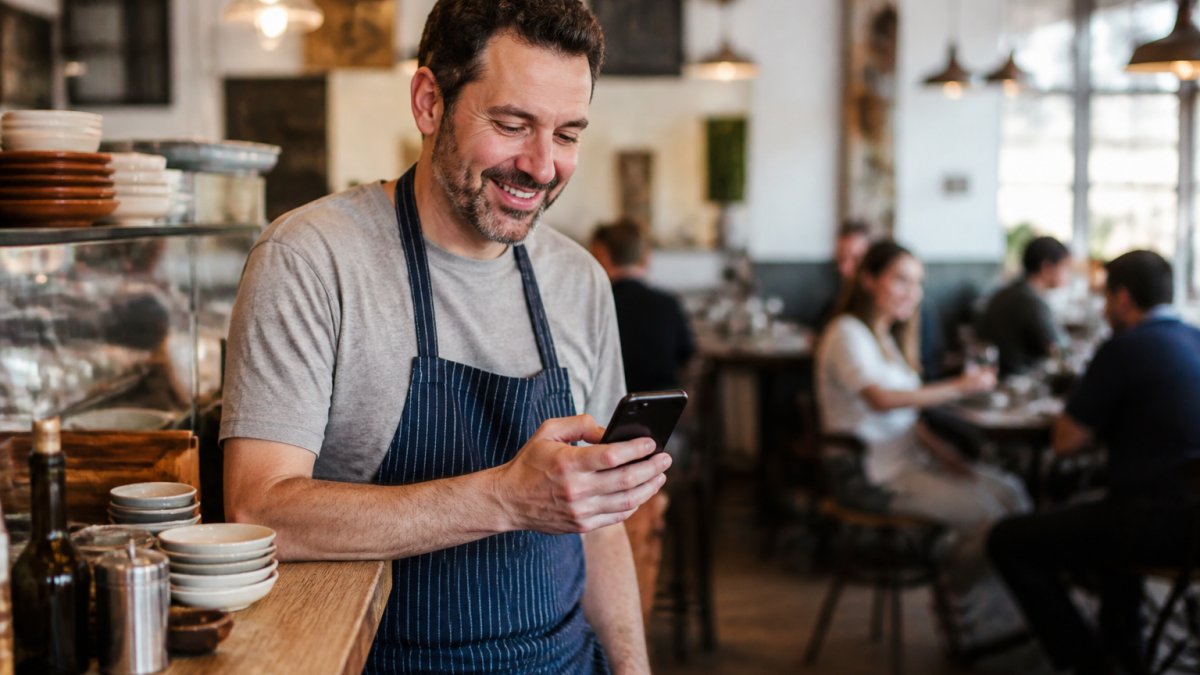
Restaurant review management is not about chasing five stars. It is about showing future diners that you listen. Replies to reviews show future diners that the business is responsive.
A simple routine works best:
- Ask happy guests to leave a review at the table or on the receipt
- Reply to every review within a few days
- Thank people by name when they mention staff
- Never argue in public
How to respond to negative feedback without losing customers
Answer fast, stay calm, and take it offline. A good reply looks like this: "Thank you for telling us. That is not the experience we want. Please email us so we can make it right."
A calm, professional response can reassure future diners.
Step 5: Photography, Menus, and Social Media That Match What Searchers See
Food photography and social media should match what people find when they search. If your photos look stale or your menu is out of date, searchers bounce.
Use real photos of your dishes, taken in natural light. Keep your menu current, and update your hours when they change.
Geotagging your photos can help them appear in local searches. See our step-by-step guide to geotagging photos for Google.
How to Measure Whether Your Online Visibility Is Improving
Most restaurant owners track too many numbers and learn nothing. The goal is not a dashboard, it is a short list of metrics that tell you whether visibility is turning into covers, orders, and revenue. Track a small set every month.
The visibility-to-revenue chain
Think of your metrics as a funnel. Each stage tells you where the leak is:
- Impressions and profile views, are you being seen? (Google Business Profile, Google Search Console)
- Actions, are people calling, requesting directions, or clicking to your site? (Google Business Profile)
- Website engagement, are they viewing the menu and starting a reservation or order? (Google Analytics)
- Conversions, did they book, order, or call? (your reservation or ordering system)
- Attributable revenue, what did those conversions earn? (your POS or order reports)
If a stage drops, fix that stage before spending more on the stages above it. Pouring traffic into a broken reservation flow wastes money.
| Metric | Where to Find It | What It Tells You |
|---|---|---|
| Profile views and searches | Google Business Profile | How many people see you |
| Calls and direction requests | Google Business Profile | Intent to visit |
| Website traffic and menu views | Google Analytics | Interest in your menu |
| Reservation and order starts | Your booking or ordering system | Conversion friction |
| Completed bookings and orders | Your booking or ordering system | Revenue impact |
| New reviews and average rating | Review platforms | Customer trust trend |
How to attribute revenue without guessing
Perfect attribution is difficult for a restaurant, but you can get close enough to make decisions. Consider these three habits:
- Ask at the table and on the phone. "How did you hear about us?" is still the most reliable signal for dine-in. Log the answers weekly.
- Use tracked links where you can. Put a distinct reservation link on your Google Business Profile, your Instagram bio, and your email footer. Your booking system will show which source drove the booking.
- Tag online orders. If your ordering platform supports source tracking, use it. If not, compare order volume in weeks when you post actively versus weeks when you do not.
A simple monthly review routine
Set a recurring 30-minute meeting with yourself or your manager. Pull the numbers above into one sheet. Ask three questions:
- Which stage of the chain moved the most this month, up or down?
- Did that change match something we did (a new menu, a posting push, a review response sprint)?
- What is the single next action that would fix the weakest stage?
Do not change five things at once. Change one, wait a month, and look again. That is how you learn what actually works for your restaurant rather than copying generic advice.
Book Your Free Business Analysis With Local Visibility Engine
Getting all five steps right takes time most owners do not have. That is the real challenge: the work is simple, but it is constant.
Local Visibility Engine is an AI-powered solution that automates posting to your Google Business Profile, social media, and website. It geotags and optimizes your content so you stay active and discoverable, with no technical skills required. Client intake is limited to ensure top-quality service.
To see the full picture, explore our connected services. Get started with Local Visibility Engine and turn your online presence into a steady source of local customers.
Frequently Asked Questions
How can I improve my restaurant's online visibility without technical skills?
Start with the free, high-impact items: claim and complete your Google Business Profile, add current photos and hours, and make sure your name, address, and phone number match everywhere online. Then fix the basics on your website, such as a mobile-friendly menu page and click-to-call buttons. Once those are steady, add a weekly photo or post so your listings stay active. Tools and services that automate posting and geotagging can handle the repetitive parts if you do not have time.
How do restaurants rank higher in local search results?
Local rankings come down to relevance, distance, and prominence. You improve relevance by filling out your Google Business Profile with the right categories, menu links, and attributes. Prominence grows through steady reviews, accurate restaurant directory listings, and consistent mentions of your business online. Distance you cannot change, but a strong profile and active review management often outweigh a slightly closer competitor. Keep your NAP details identical across every listing so Google trusts the data.
Which online directories should a restaurant be listed on?
Prioritize Google Business Profile first, then the platforms diners actually use: Yelp, TripAdvisor, OpenTable or your reservation system, and Apple Maps. Add Facebook and any local or regional food directories that serve your area. The goal is not volume but accuracy. Every listing should carry the same name, address, phone number, hours, and website link. Audit them twice a year, because hours and menu links drift out of date on directory sites faster than owners expect.
How often should a restaurant update its website and online listings?
Update your Google Business Profile at least weekly with a photo, post, or offer, and refresh seasonal hours and menus the moment they change. Your website menu should be checked monthly for price and item accuracy. Do a full directory audit every six months. Consistency matters more than volume, and a profile that gets one small update each week gives returning customers a reason to check back.

Frequently asked questions
How can I improve my restaurant's online visibility without technical skills?
Start with the free, high-impact items: claim and complete your Google Business Profile, add current photos and hours, and make sure your name, address, and phone number match everywhere online. Then fix the basics on your website, such as a mobile-friendly menu page and click-to-call buttons. Once those are steady, add a weekly photo or post so your listings stay active. Tools and services that automate posting and geotagging can handle the repetitive parts if you do not have time.
How do restaurants rank higher in local search results?
Local rankings come down to relevance, distance, and prominence. You improve relevance by filling out your Google Business Profile with the right categories, menu links, and attributes. Prominence grows through steady reviews, accurate restaurant directory listings, and consistent mentions of your business online. Distance you cannot change, but a strong profile and active review management often outweigh a slightly closer competitor. Keep your NAP details identical across every listing so Google trusts the data.
Which online directories should a restaurant be listed on?
Prioritize Google Business Profile first, then the platforms diners actually use: Yelp, TripAdvisor, OpenTable or your reservation system, and Apple Maps. Add Facebook and any local or regional food directories that serve your area. The goal is not volume but accuracy. Every listing should carry the same name, address, phone number, hours, and website link. Audit them twice a year, because hours and menu links drift out of date on directory sites faster than owners expect.
How often should a restaurant update its website and online listings?
Update your Google Business Profile at least weekly with a photo, post, or offer, and refresh seasonal hours and menus the moment they change. Your website menu should be checked monthly for price and item accuracy. Do a full directory audit every six months. Consistency matters more than volume, and a profile that gets one small update each week gives returning customers a reason to check back.